Automation · 5 minute read
A welcome email sequence that earns the second open
Plan a three-email welcome sequence that delivers the signup promise, offers a useful next step, and respects consent. Includes timing and copy examples.
The first welcome email has a small job: prove that signing up was a good decision.
It does not need your company history, every product feature, six social links, and a last-minute discount. It needs to deliver what the person requested and make the next step feel obvious.
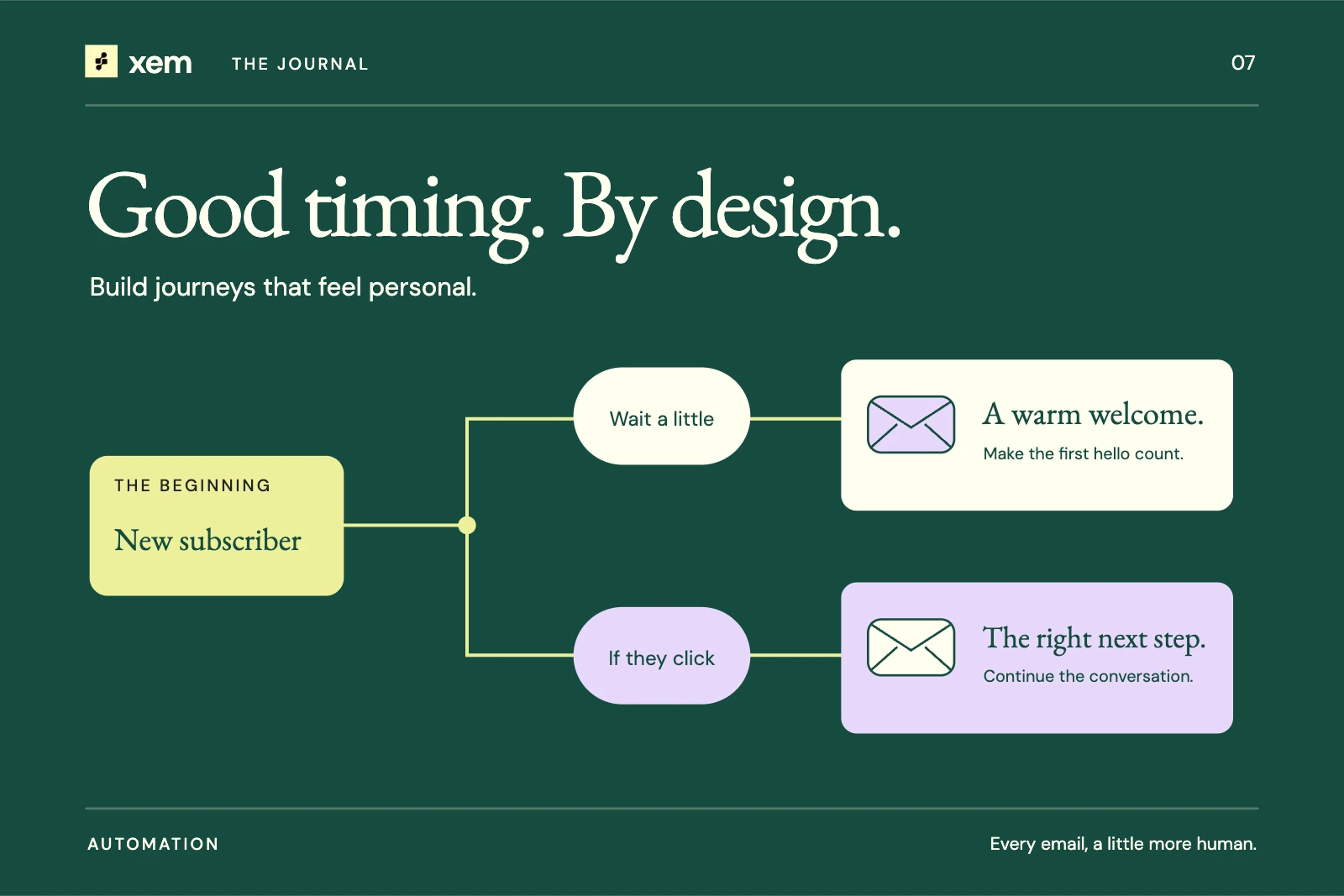
A welcome sequence gives you room to introduce the relationship over several messages. The sequence below is an illustrative starting point for a permission-based newsletter. It is not a universal schedule or a claim that Xem automatically provides every behavior-based branch described here.
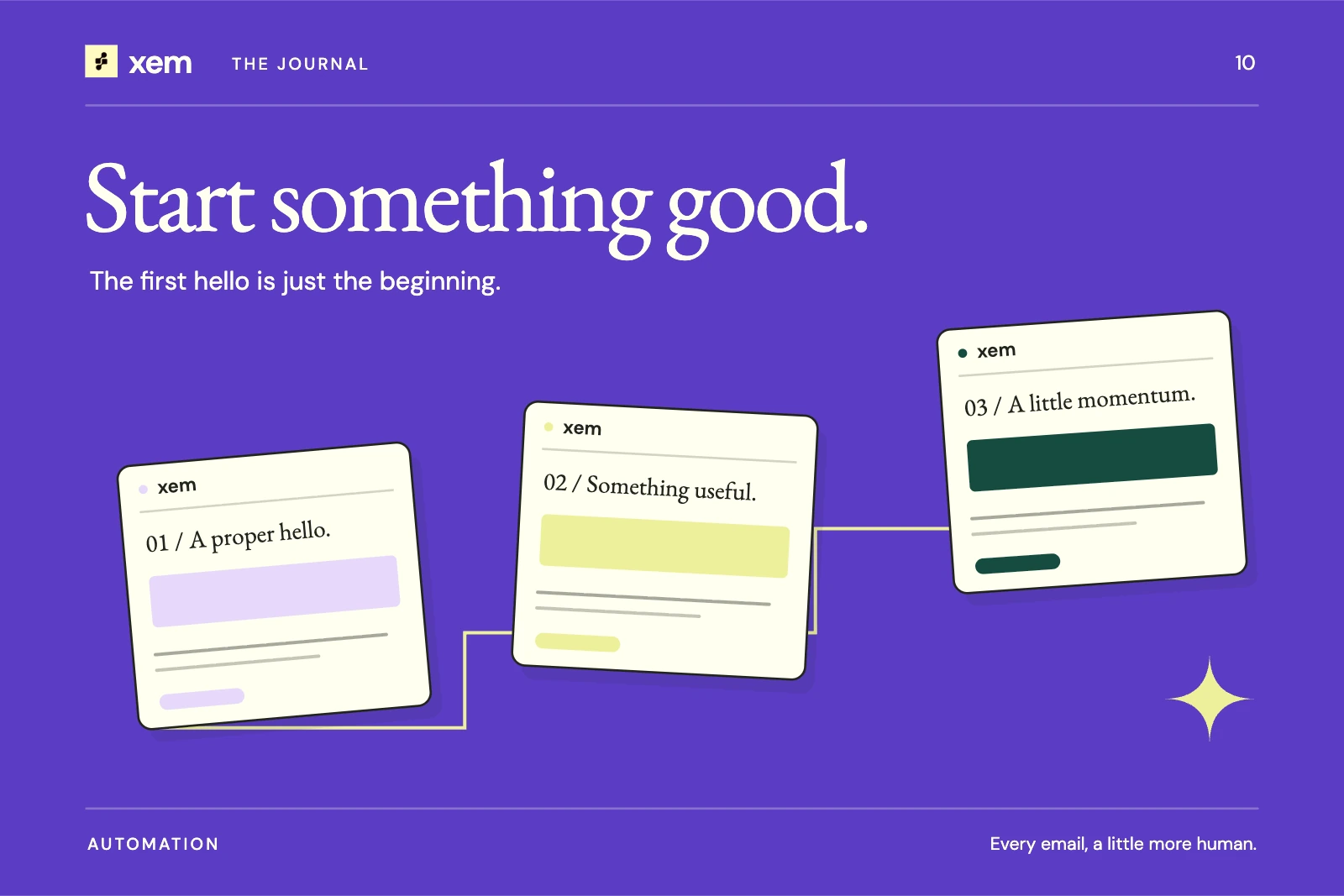
Email one: deliver the promise
Send this after a subscription has met your configured confirmation requirements. If a person requested a guide, link to the guide near the top. If they subscribed to a newsletter, show a recent edition or tell them when the next one arrives.
Subject: Your first better-email checklist
Preview text: Five things to check before your next send.
Thanks for joining The Send Note. Here's the checklist you asked for: five checks for a clearer, easier-to-read email.
Every other Thursday, we'll send one practical example you can use in your own work. No daily roundup to keep up with.
Start with the checklist, and keep it beside your next draft.
The button could say “Open the checklist.” The sender identity and footer should make it easy to recognize the organization and unsubscribe.
Notice what the example avoids. It does not pretend the sender knows the recipient personally. It does not invent a deadline. It does not add a second sales pitch before delivering the resource.
Email two: help the reader use something
A few days later may be a reasonable starting point for some newsletters. The right delay depends on the promise and audience; test it rather than calling it optimal.
Choose one concrete task related to the original resource. For the checklist example, that might be rewriting an ambiguous button label.
Subject: A two-minute fix for your next email
Find the main button in your latest draft. Could someone understand where it goes without reading the paragraph above it?
“Learn more” leaves that work to the reader. “See the three plans” or “Read the setup guide” makes the destination clearer.
Try the swap once. Then read the email on your phone and check whether the button still fits comfortably.
The content is useful even if the reader does not click. That is not a failure. Some emails are designed to teach something in the message itself.
If you invite a reply, make sure the reply address is monitored. A warm conversational prompt followed by silence is a poor introduction.
Email three: introduce the next relationship
The third message can help readers choose what comes next. It might introduce the regular newsletter, a relevant product, or a preference option your system actually supports.
Keep the transition connected to the original reason for signing up. Someone who asked for writing advice is more likely to understand an invitation to try an email editor than an unrelated promotion.
Avoid fake familiarity such as “We've noticed you're loving our tips” unless you have a sound basis for the statement. Even then, a simpler sentence is usually better: “If you're working on a newsletter this week, these editable layouts may help.”
A product invitation can be direct without becoming a hard sell. Show the use case, include any meaningful eligibility or pricing limits, and let the person decide.
Decide the stop conditions before launch
The most important part of a welcome automation may be when it does not send.
Write down what happens if someone unsubscribes, becomes suppressed, changes lists, signs up twice, or completes the action the sequence was designed to encourage. Check that queued messages evaluate current eligibility when they execute.
A reimport should not casually restart the entire relationship. A duplicate form submission should not produce duplicate welcome sequences. If someone changes their preference during a delay, the next step should honor that change.
These are implementation checks, not just copy decisions. Use the triggers and actions your automation builder supports, and test the missing cases before enabling the sequence.
Review the experience as a new subscriber
Create a test subscription through the actual public form. Follow any confirmation step, open the resource, and read the sequence on a phone. Check the sender name, reply address, preview text, and every destination.
Then test the less pleasant path: unsubscribe before the next message is due. Confirm that the next scheduled step is prevented according to the intended behavior. Repeat with a suppressed test address and a duplicate submission if your staging setup allows it.
A visual builder helps explain the path, but only execution testing tells you whether the path behaves correctly.
Measure the sequence against its purpose
For a newsletter welcome, useful measures include successful delivery of the promised resource, early opt-outs, known complaints, and meaningful replies or clicks. For product onboarding, the intended product action may matter more than an email interaction.
Do not automatically resend to “non-openers.” Privacy protection and blocked images can make the open record incomplete. If you need a reminder, base it on an explicit, appropriate rule and make sure the audience expects it.
After the first group completes the sequence, review the actual questions people ask. Those questions are often the best brief for email two.
Sources and further reading
Written with AI assistance and checked against the linked sources. Examples are illustrative. Our editorial approach